Digital Products · Web Experiences · 2026
Guestoria
A QR-based digital product that lets event guests upload photos and videos without creating an account and transfers the files directly to the event owner's Google Drive.

- Role
- Product strategy, user experience, creative direction, feature scoping, testing, issue analysis, and management of the Claude-assisted development process
- Date
- 17 August–7 September 2026
- Year
- 2026
- Category
- Digital Products, Web Experiences
- Duration
- Functional MVP in one week; pilot-ready version in three weeks
- Tools
- Claude, Next.js, TypeScript, Tailwind CSS, Supabase, Google OAuth, Google Drive API, Resend, Vercel
00
Overview
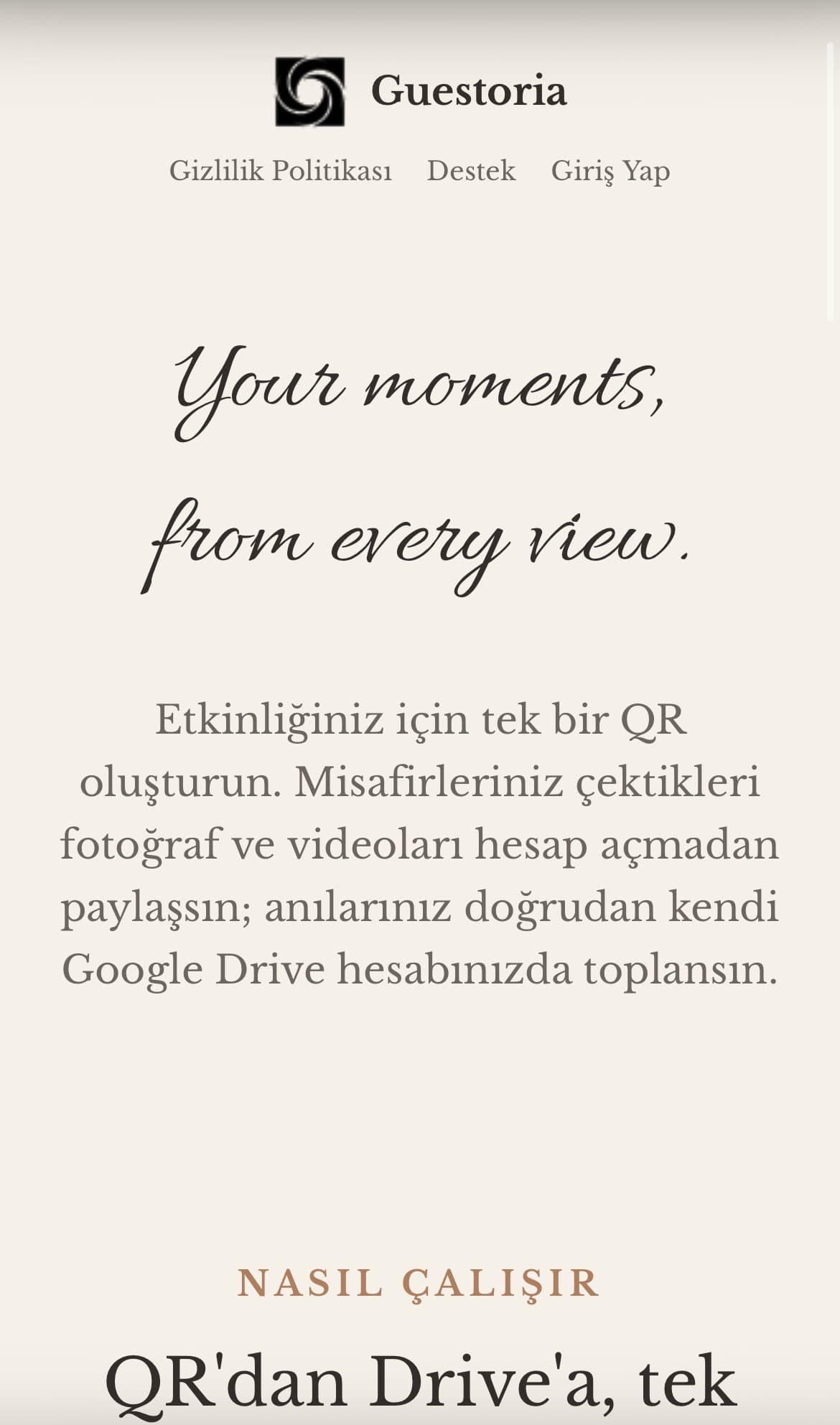
Guestoria was developed to simplify the collection of guest-created photos and videos from weddings, engagements, birthdays, and other special events. Guests scan an event-specific QR code and upload their content without signing in. Instead of being stored by Guestoria, the files are transferred directly to the event owner's connected Google Drive.
01
The starting point
Photos captured during events are often scattered across individual phones and messaging groups. Requesting them afterwards is inefficient, while account creation or another app download can discourage participation. Guestoria addresses this problem through one QR code and a deliberately short upload flow.
02
Approach & strategy
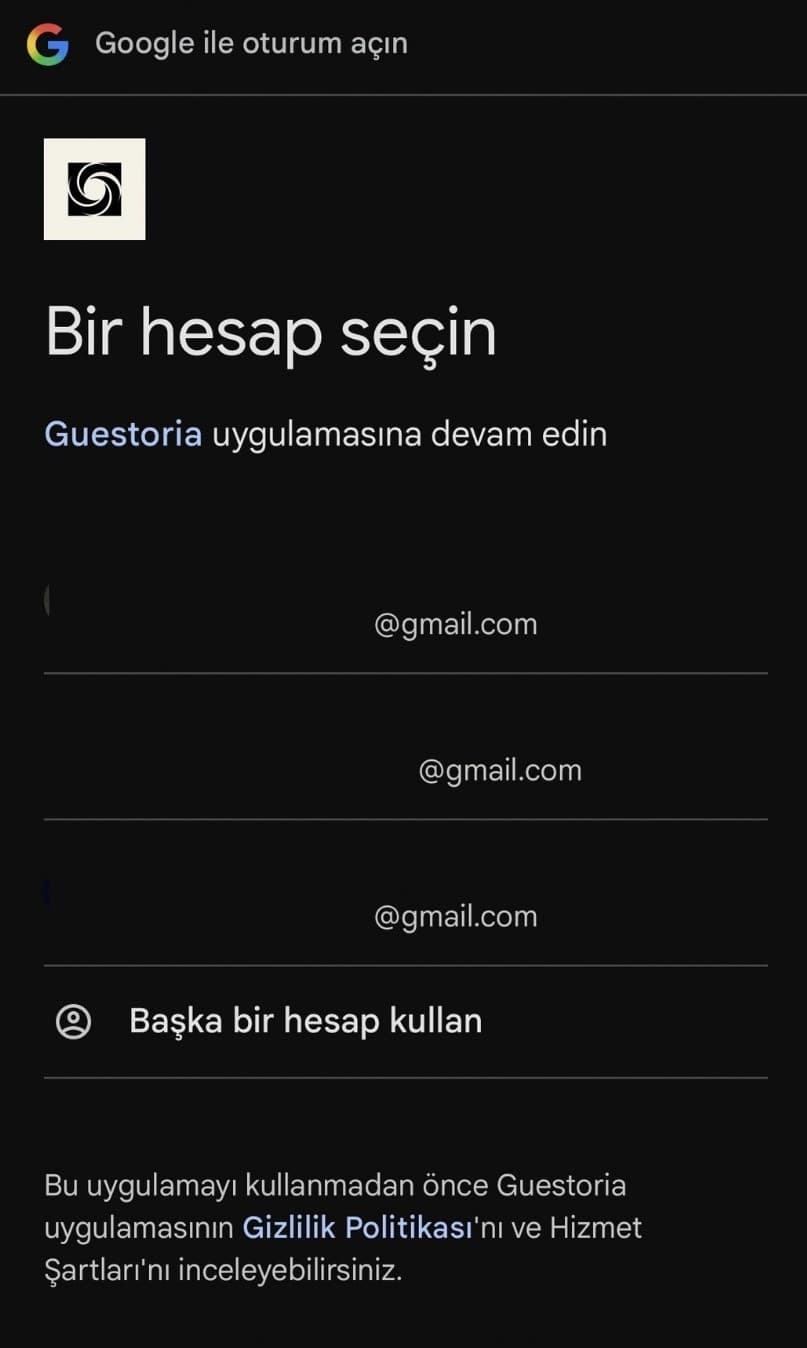
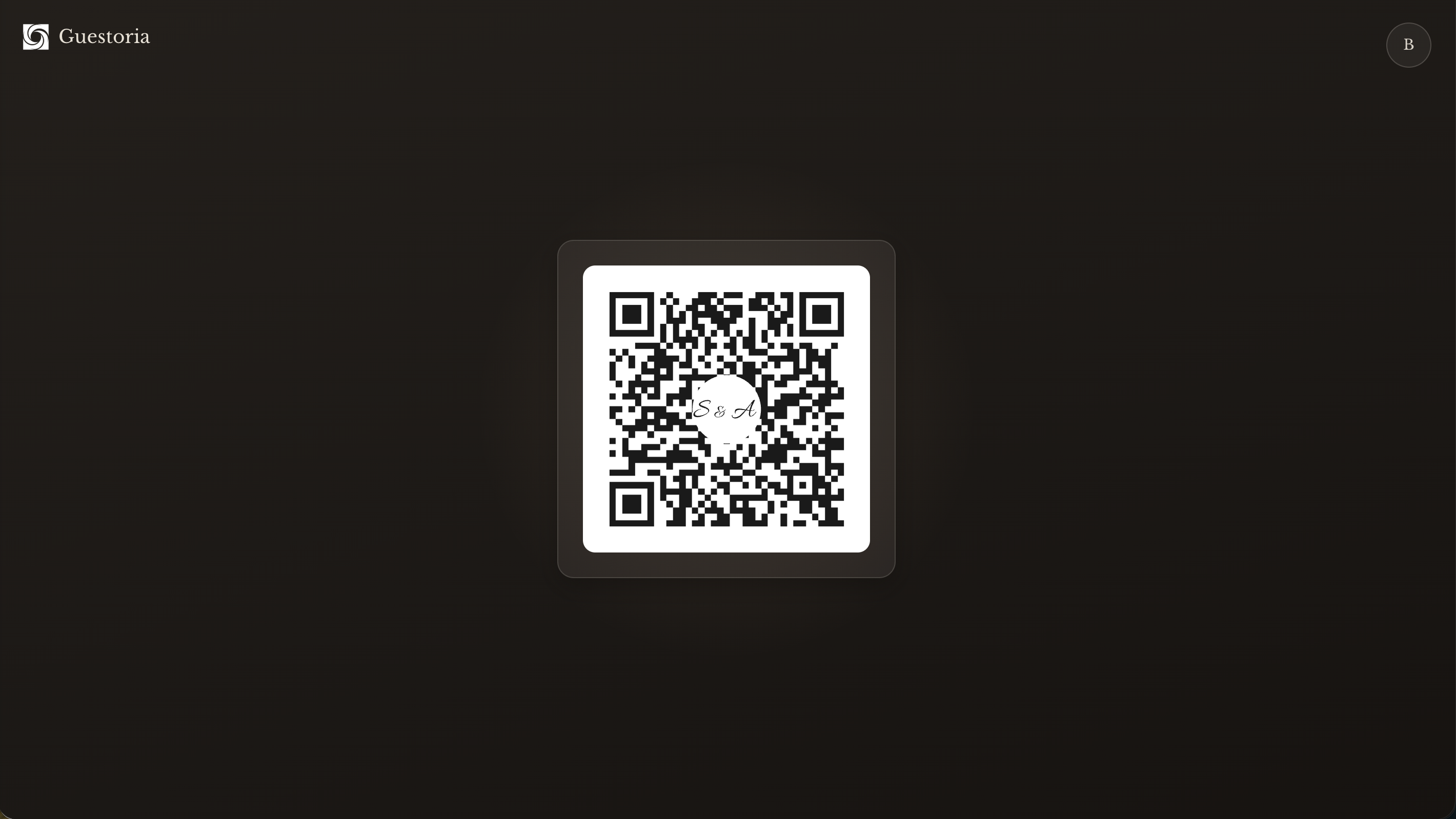
I structured the product around two core user experiences. The event owner signs in with Google, creates the event, connects Drive storage, customizes the QR code, and manages the date, message, and cover image shown on the guest screen. Guests scan the QR code, select photos or videos, and upload them without creating an account. The flow was kept simple enough to complete within a few steps during a live event.
03
Owner Experience
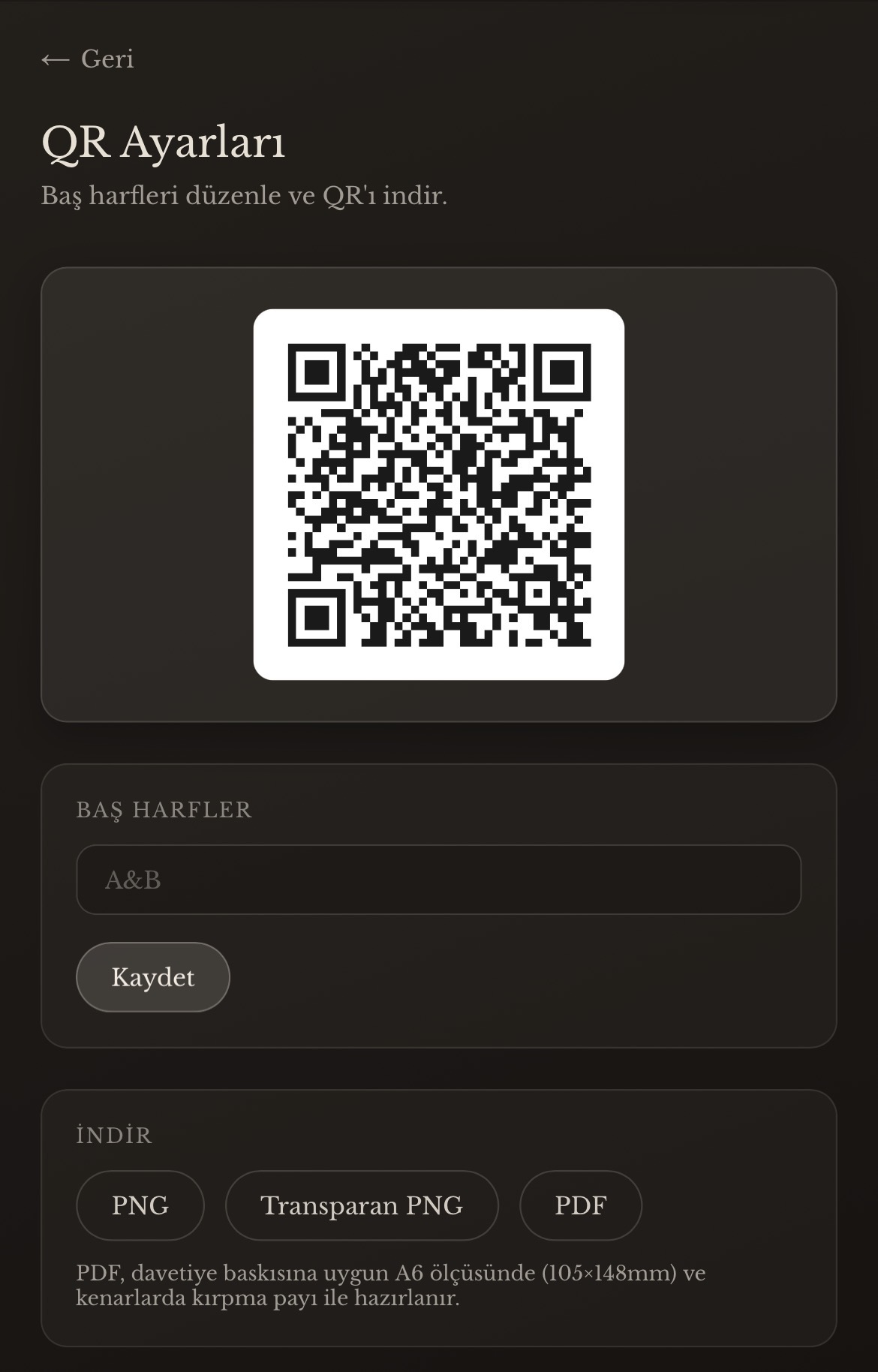
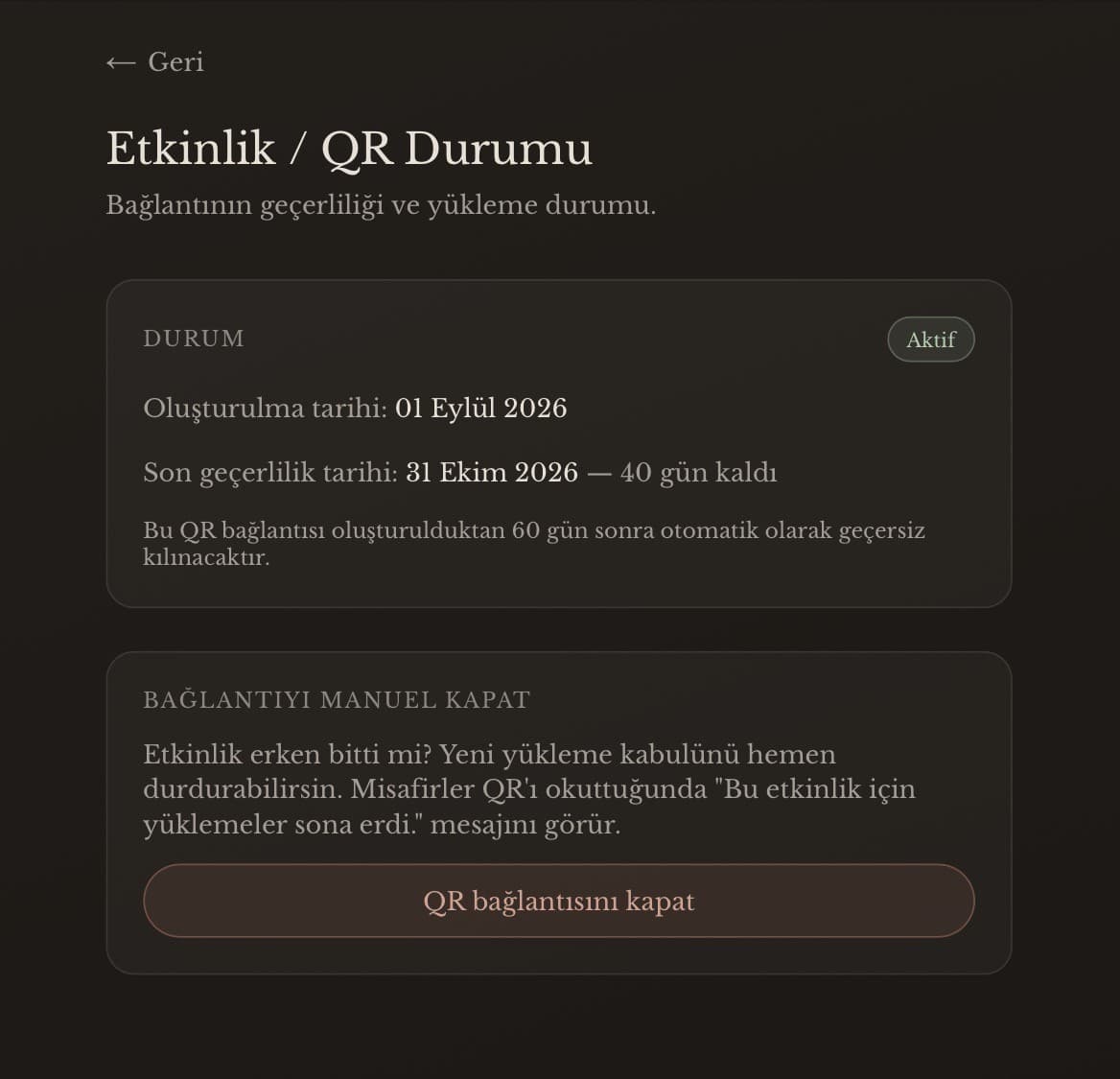
The event owner signs in with Google, connects storage, and controls everything guests see — from the QR code to the upload window.
- Persistent QR link
- Multiple download formats
- Required and optional Drive
- Graceful closing
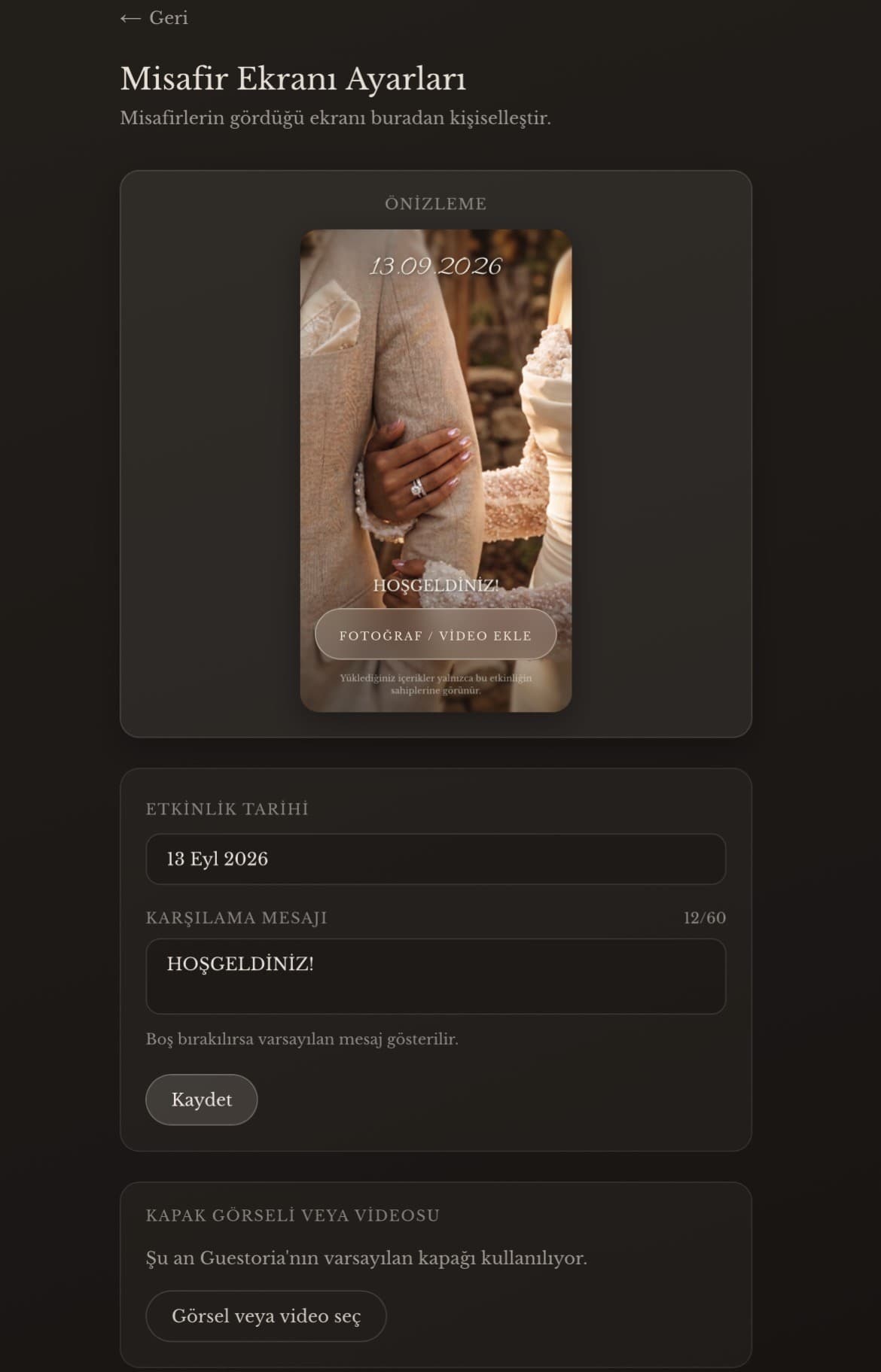
- The cover, date and welcome message can be updated without changing the QR link.
Customizing the guest experience
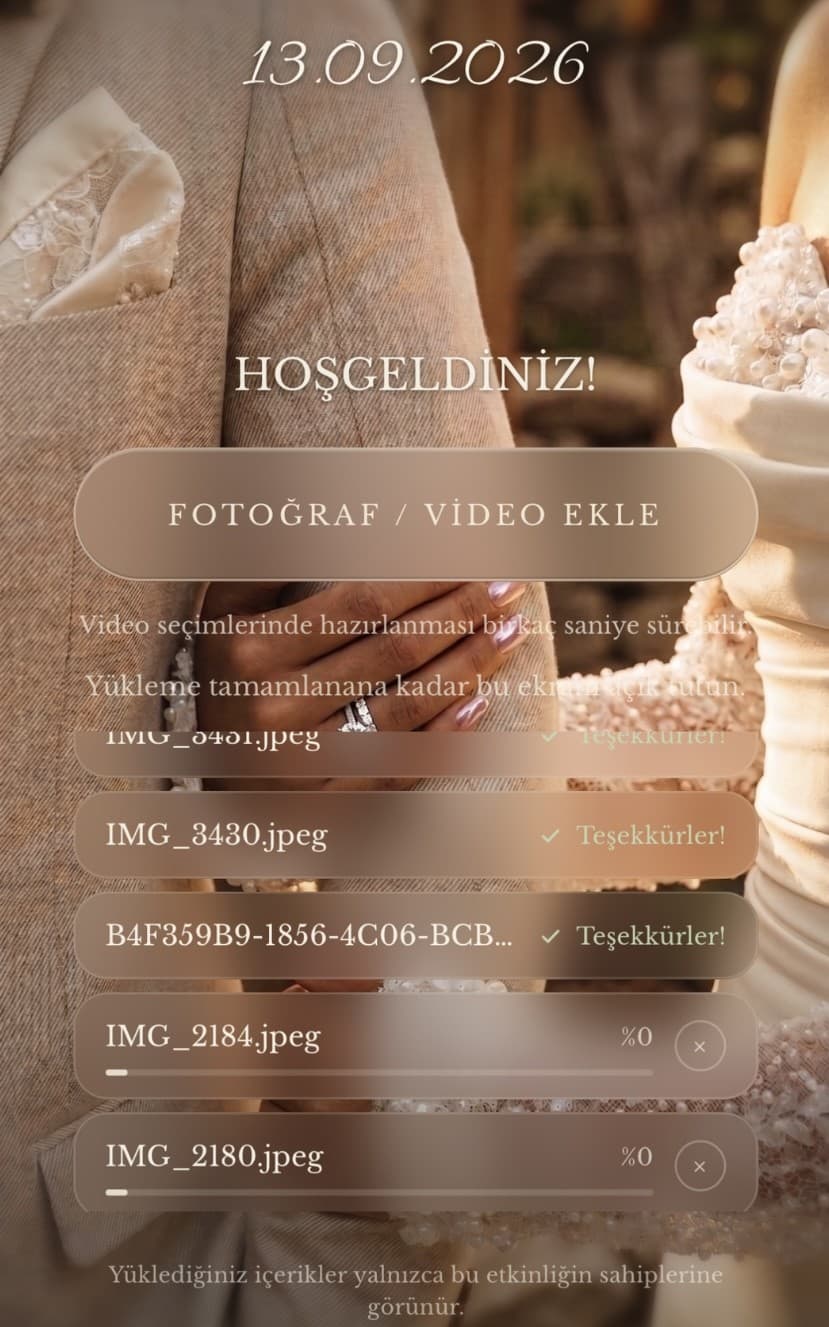
The event owner can customize the screen guests see after scanning the QR code. The cover image, event date and welcome message can be updated from the dashboard, while the message is limited to 300 characters to preserve readability. These changes do not alter the QR link, so an already printed or shared code remains valid while the guest experience can continue to evolve.
04
Guest Experience
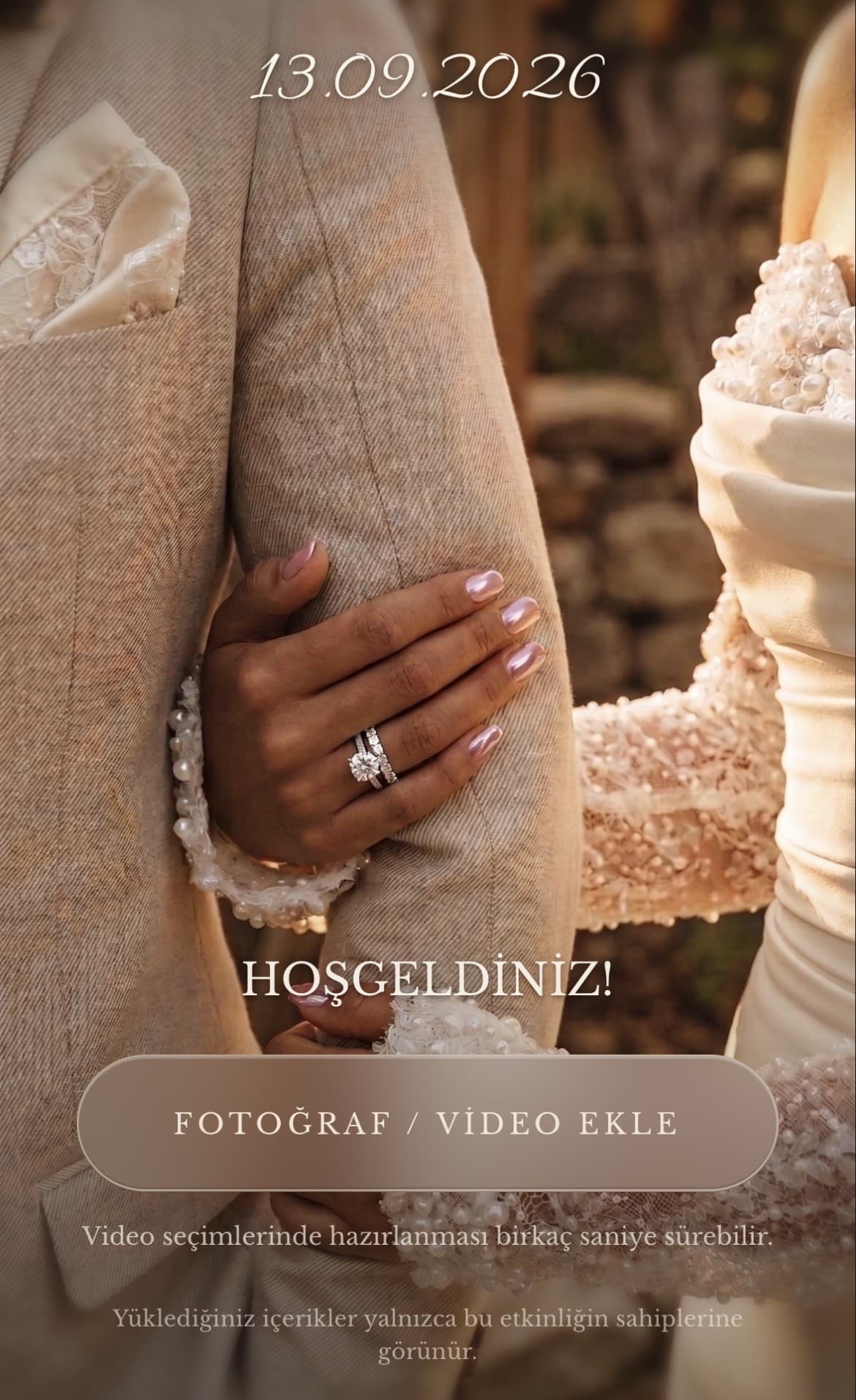
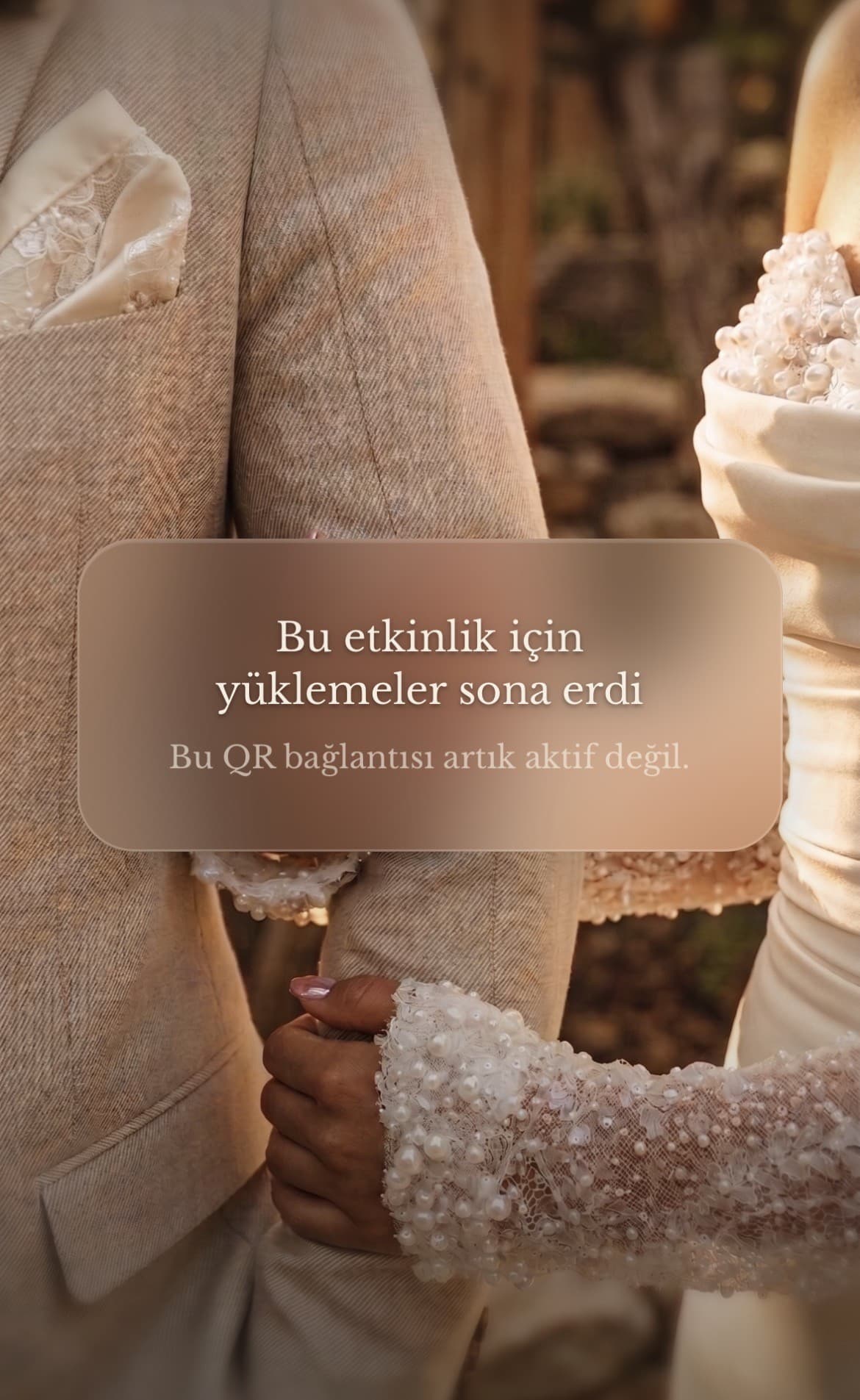
Guests scan the QR, land on the event's own welcome screen, and upload without ever creating an account.
- No account for guests
- Storage as a pass-through
- Automatic redirect
05
Production process
- 01
Development and testing
I independently defined the product concept, user flows, visual direction, and feature scope. Claude supported code development, while I managed product decisions, test scenarios, issue identification, and validation of the fixes.
I reached the first functional version in one week. I then repeated the same upload scenarios across different phone and browser combinations, resolving smaller technical and visual issues before the pilot.
- 02
Technical challenge
The photo-selection flow behaved differently on a Samsung A-series device running Android 14. To determine whether the issue originated in Guestoria, the device, or Chrome, I repeatedly tested the same scenario across several Android phones and browsers.
The investigation showed that the problem came from the photo-picker behaviour of the relevant Chrome version rather than Guestoria's upload system. I moved the flow away from relying solely on the browser's default picker and towards the selection entry point directed by the product, creating a more controlled and consistent experience. The investigation took approximately two weeks, during which I also refined other technical and interface details identified through testing.
06
Key decisions
No account for guests
Guests do not need an account or sign-in.
Persistent QR link
Each event uses a persistent QR URL. Changes to the message, date, cover image, or storage settings do not invalidate printed QR codes.
Required and optional Drive
The first Google Drive connection is required, while a second connection is optional.
Automatic redirect
Uploads can be redirected to the second Drive when the first reaches 90% capacity.
Multiple download formats
Owners can download the QR code as PNG, transparent PNG, or PDF.
Graceful closing
Closing an event does not break the QR code; guests instead see a clear message that uploads have ended.
Storage as a pass-through
Guest uploads are not stored by Guestoria. The product acts as the transfer layer to the event owner's Drive.
07
Outcome
- real guests
- ~10
- photos & videos uploaded
- 200–300
real guests
photos & videos uploaded
Guestoria was piloted at a real engagement event with approximately ten guests. Around 200–300 photos and videos were uploaded successfully. The pilot validated the QR access, account-free guest flow, and Google Drive transfer model under real event conditions.
08
What I learned
This project showed me that building a working product involves much more than producing correct code. The most valuable part of the process was repeatedly testing the same flow across different devices, distinguishing between application issues and browser-specific behavior, and evaluating technical decisions under real usage conditions. Claude supported code generation during development, while I led the product decisions, visual direction and testing process. Although I reached a working MVP within one week, I learned how essential patient validation and attention to small details are when turning that MVP into a dependable experience.
Next project
← Previous: Novax
An independent concept: extending LEGO's building-block identity into a wearable fashion label, from collection and packaging to store and campaign.